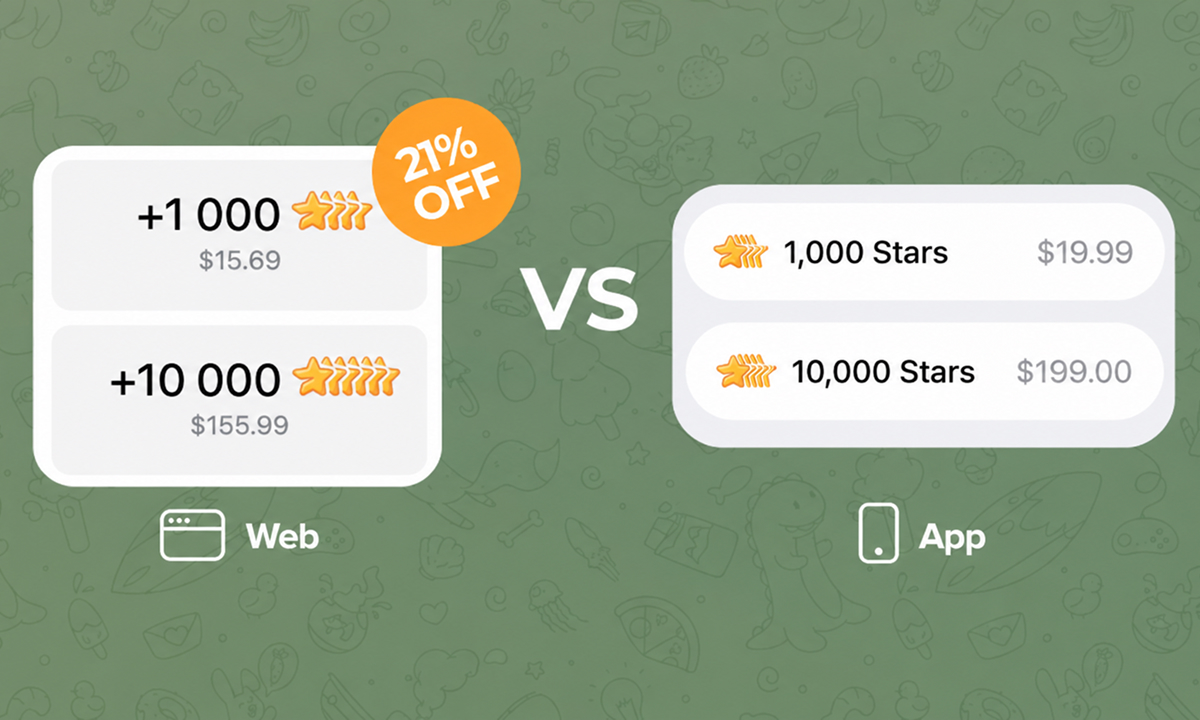
Get Telegram Stars
for less on the Web
Add Stars to your balance on Telegram Web, then come back to complete your payment.
Open Telegram WebOpens in a new tab · Get started in 5 simple stepsStep 1. Log in on Telegram Web
Visit web.telegram.org and sign in to your Telegram account.
https://web.telegram.org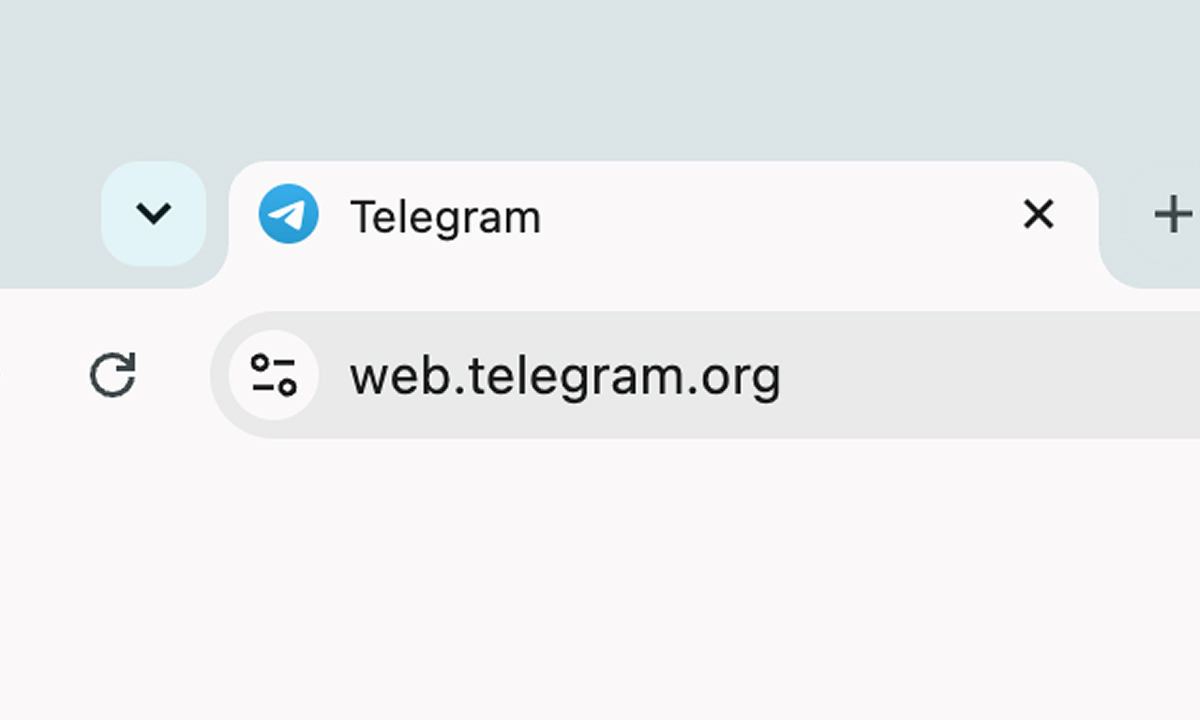
Step 2. Go to Settings
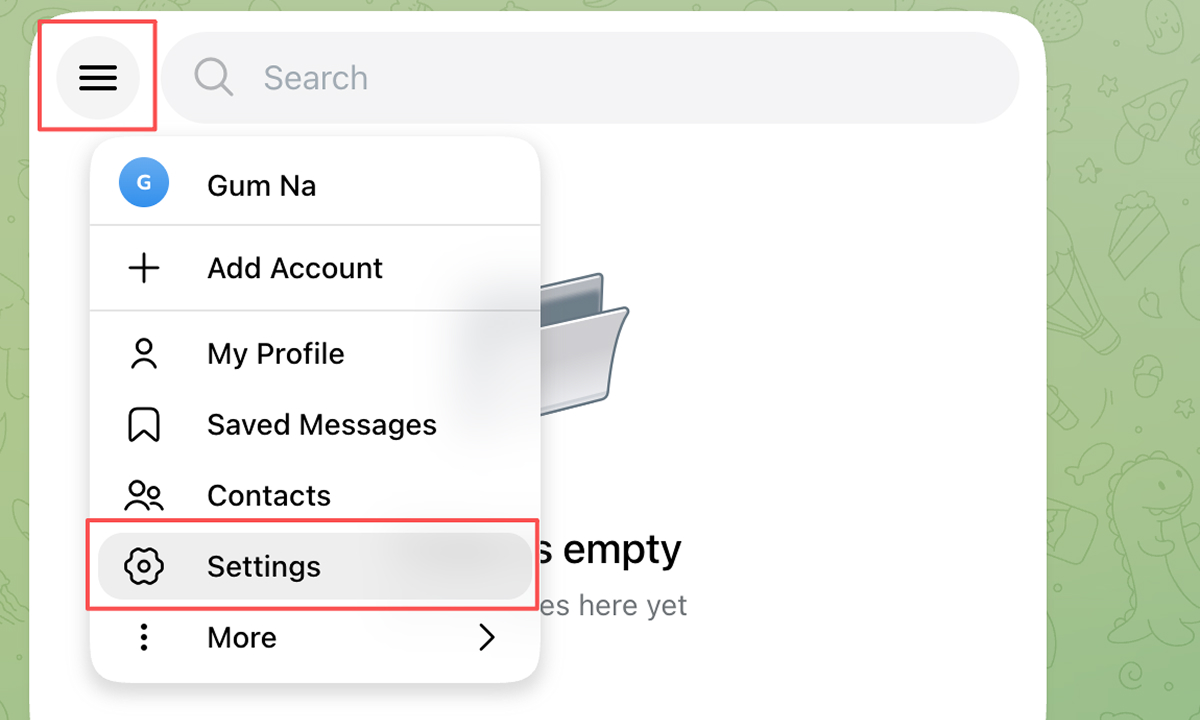
Open the menu in the top-left corner and select Settings.
Step 3. Find your Stars balance
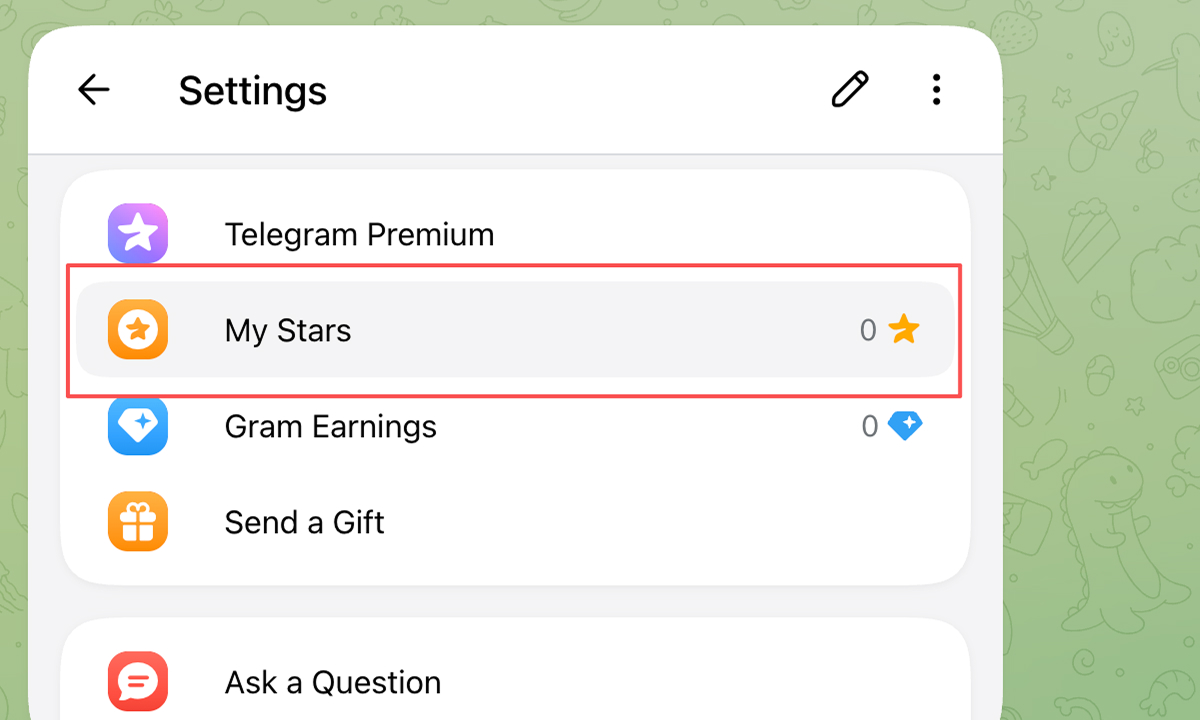
In Settings, select My Stars to view your balance.
Step 4. Add more Stars
Select BUY MORE STARS to browse the available bundles.
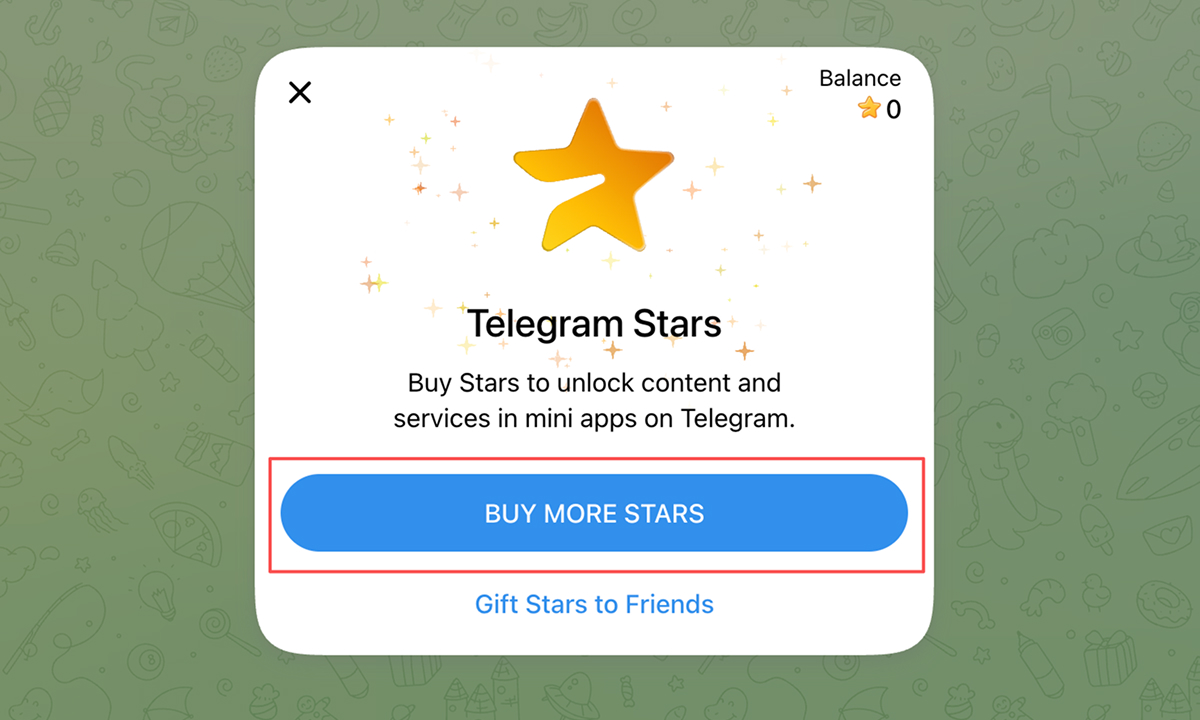
Step 5. Pick your Stars bundle
Compare prices, choose a bundle, and complete your purchase. Then return here to pay with Stars.